 ®
Apple Wallet and Google Wallet
Your association's membership card in the Wallet, no app needed
Members add it from a link, in a few seconds, to the wallet that's already on their phone. It updates itself, receives notifications and opens even without internet.
🎁 Nothing to pay today: unlimited cards, free until January 31, 2027.
- iPhone and Apple Watch
- Android
- Foldable phones

How to add the card to the Wallet
Open the link
Members get it from the association by email or WhatsApp, or scan a QR code.
Tap "Add"
"Add to Apple Wallet" on iPhone, "Add to Google Wallet" on Android.
Done
The card is in the Wallet: open it with one tap and show it at the entrance.
Better than a plastic card, better than an app
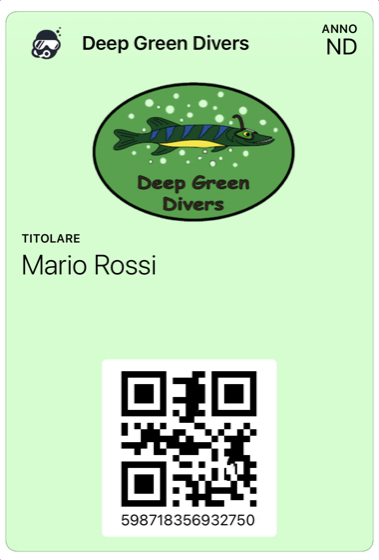
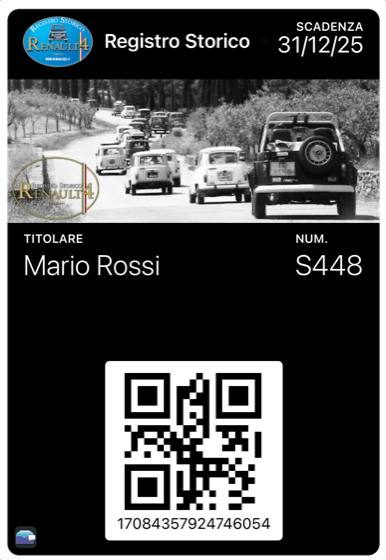
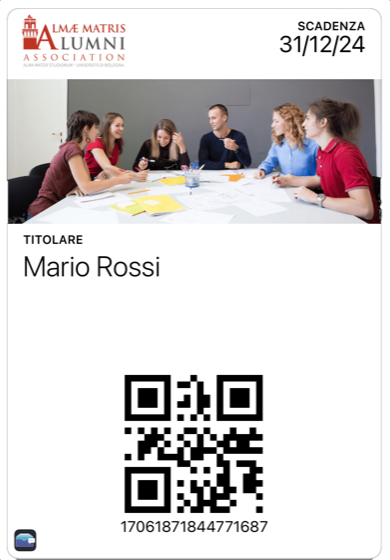
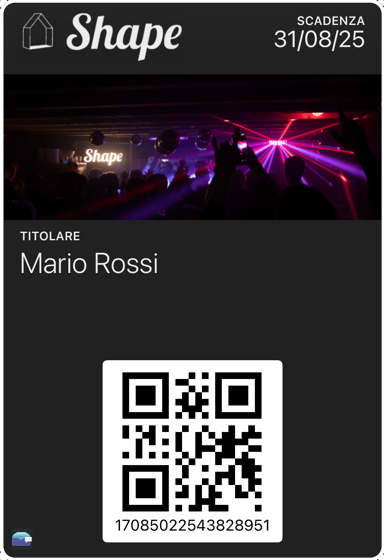
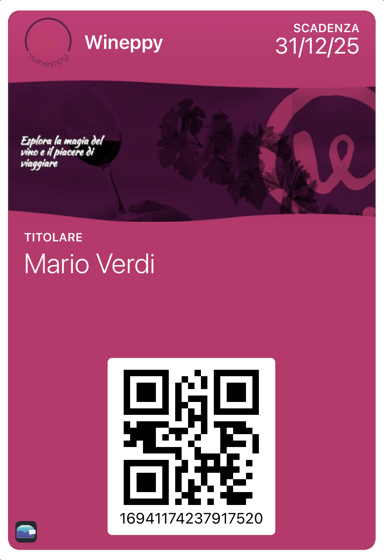
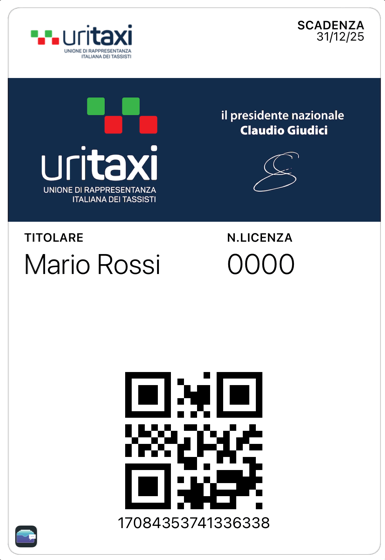
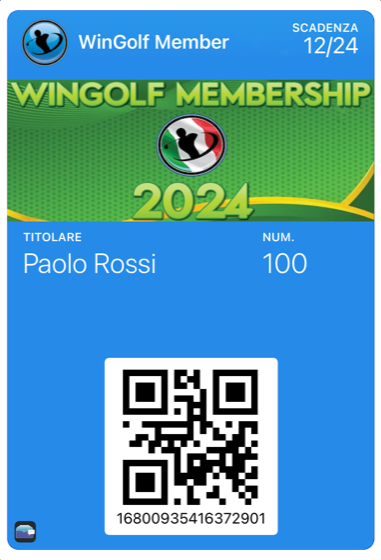
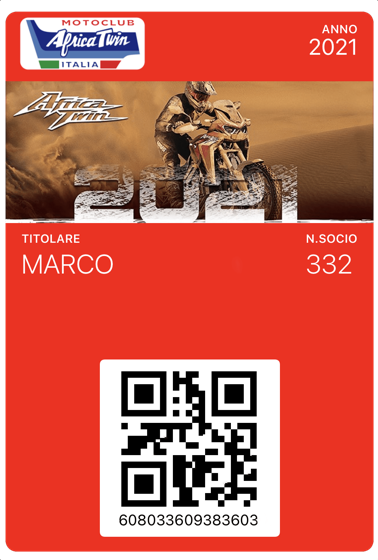
With your association's colors and logo
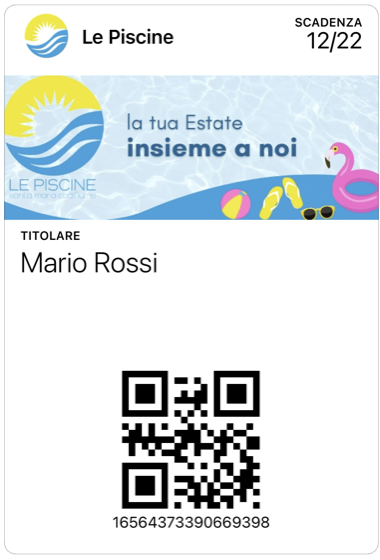
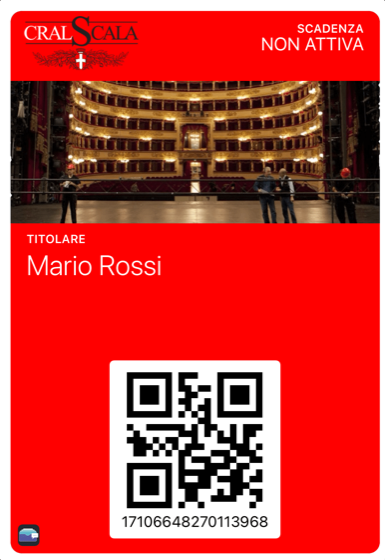
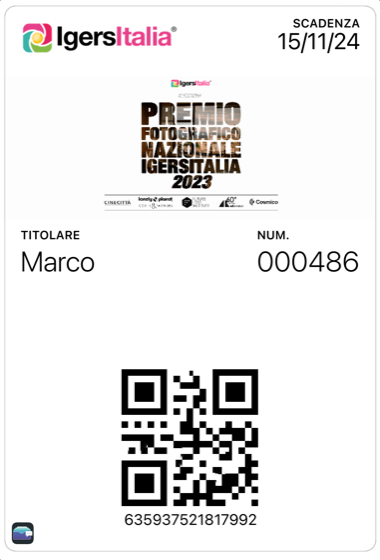
Logo, colors, cover photo, member name and number, expiration date and any fields you need.
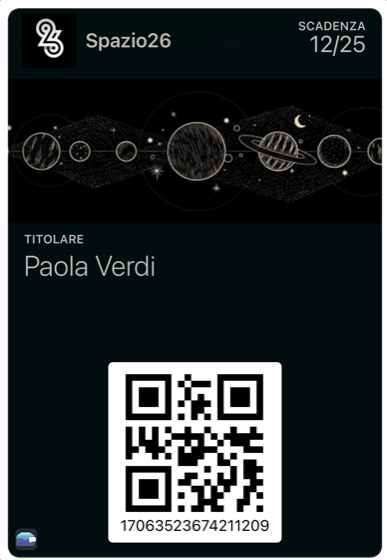
Membership card in the Wallet: common questions
What is the Wallet?
It's the wallet app that's already on your phone: Apple Wallet on iPhone and Google Wallet on Android. It holds payment cards, boarding passes, loyalty cards and now your association's membership card too.
Do members need to download an app?
No. They open the link they receive by email or WhatsApp, tap "Add to Apple Wallet" or "Add to Google Wallet" and the card is on their phone.
Does it work without internet?
Yes: once added, the card opens even without a connection, for example at the entrance of an event.
What happens when a member renews?
The card updates itself on the phone: new expiration date, new year, active status. Nothing to reprint or download again.
Can it be used on Apple Watch?
Yes: Apple Wallet cards also show up on Apple Watch, handy to show at the entrance.
What about members without a smartphone?
The card can also be downloaded as a PDF and printed, for members who prefer paper.
Is the card secure?
Every card has a unique QR code. At the entrance the Wallyfor app scans it and shows whether the card is active, expired or revoked: a photo or a copy won't do.
Put your association's card in the Wallet
Ready in a few minutes, with 10 free cards to try it out. Already have a membership management system? Wallyfor Connect is all you need.